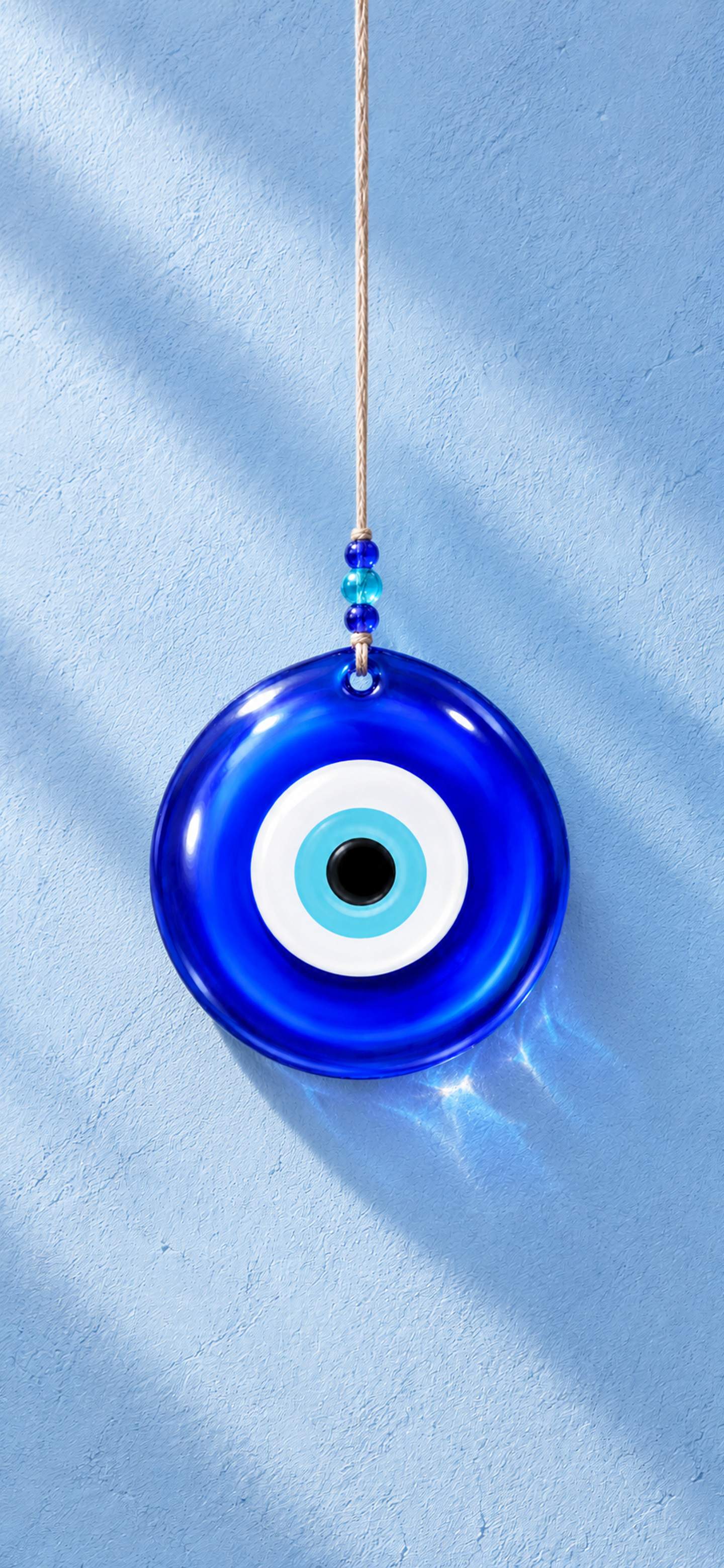
 View full size
 A little luck for
your lock screen.
Your favorite charms, in daylight and after dark.
Pick one, or take the whole collection. Free for everyone.
View full size 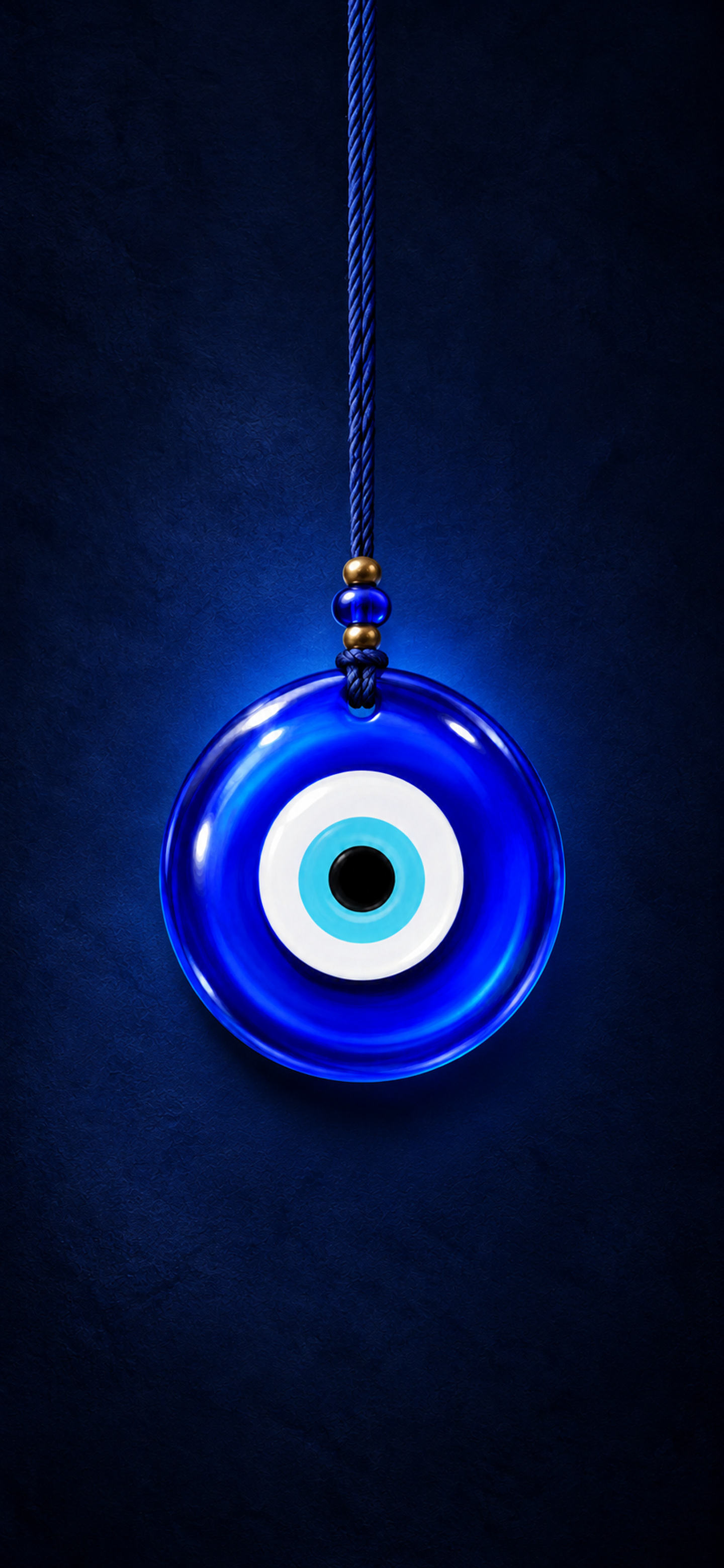
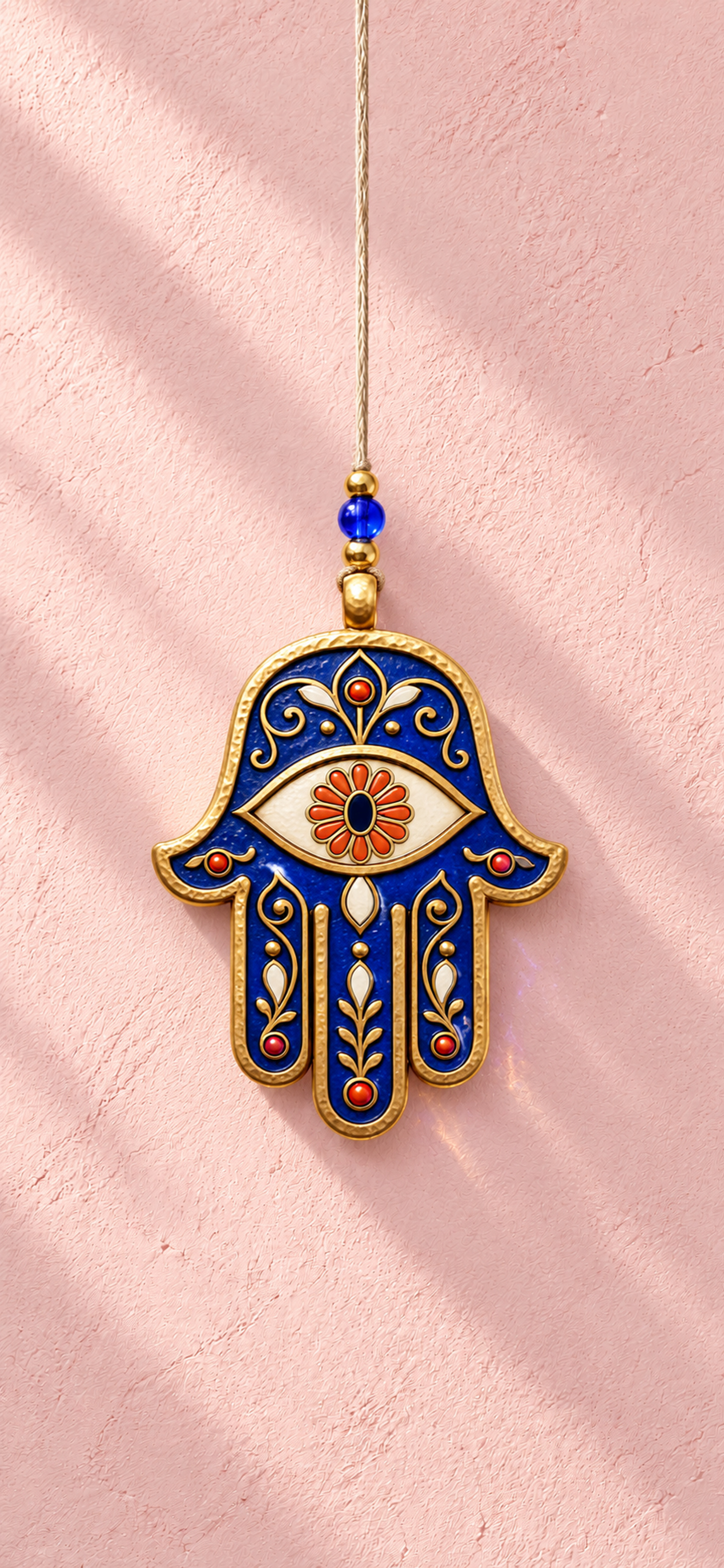 View full size
 Hamsa
Download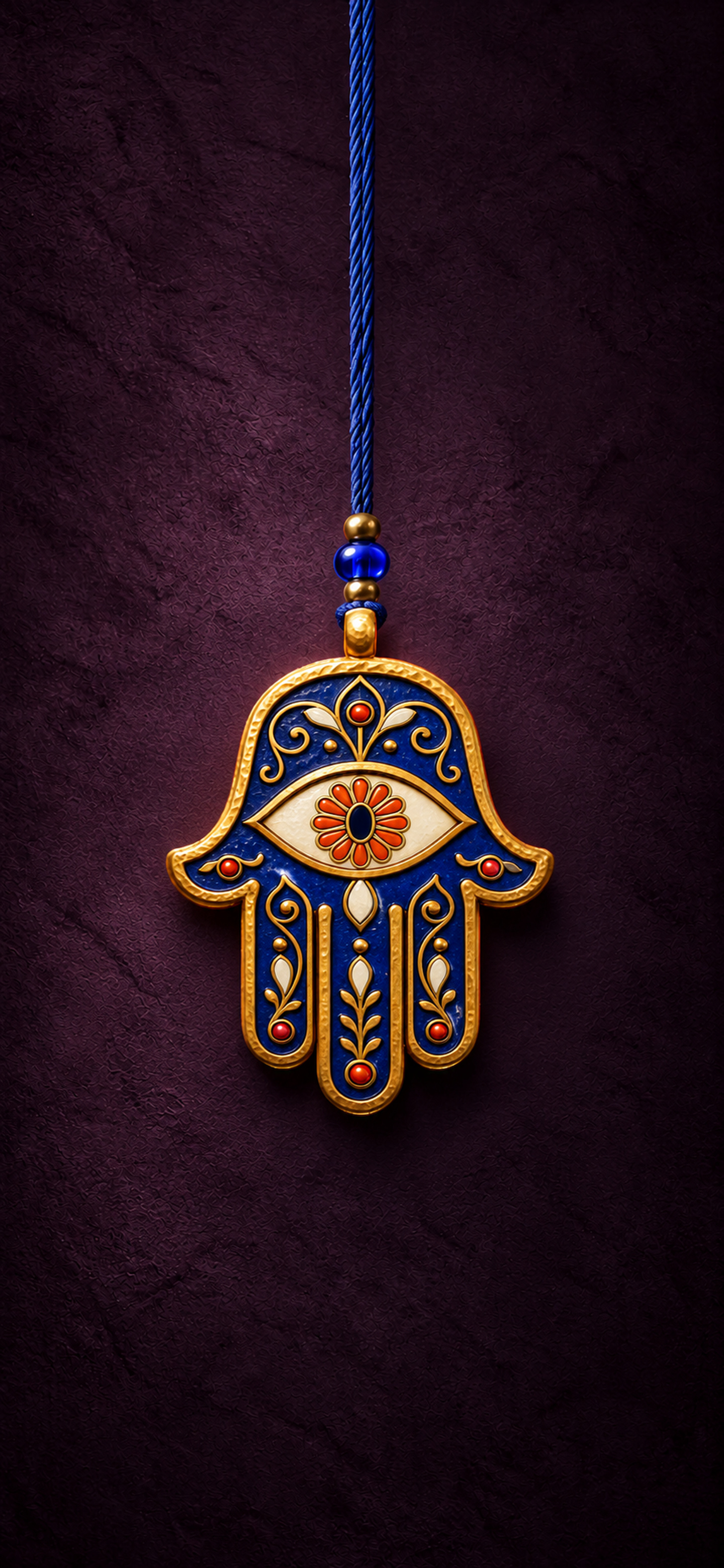
 View full size
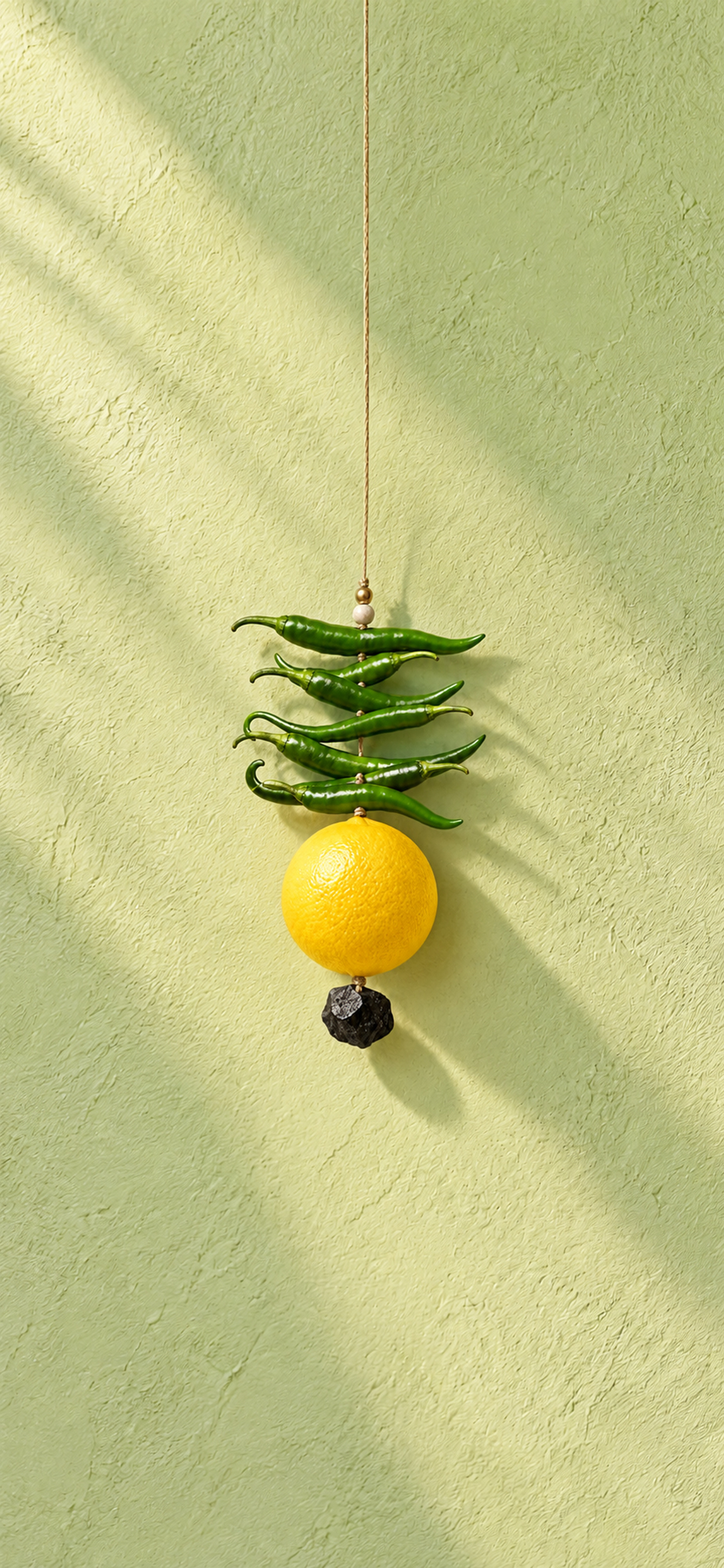
 Nimbu Mirchi
Download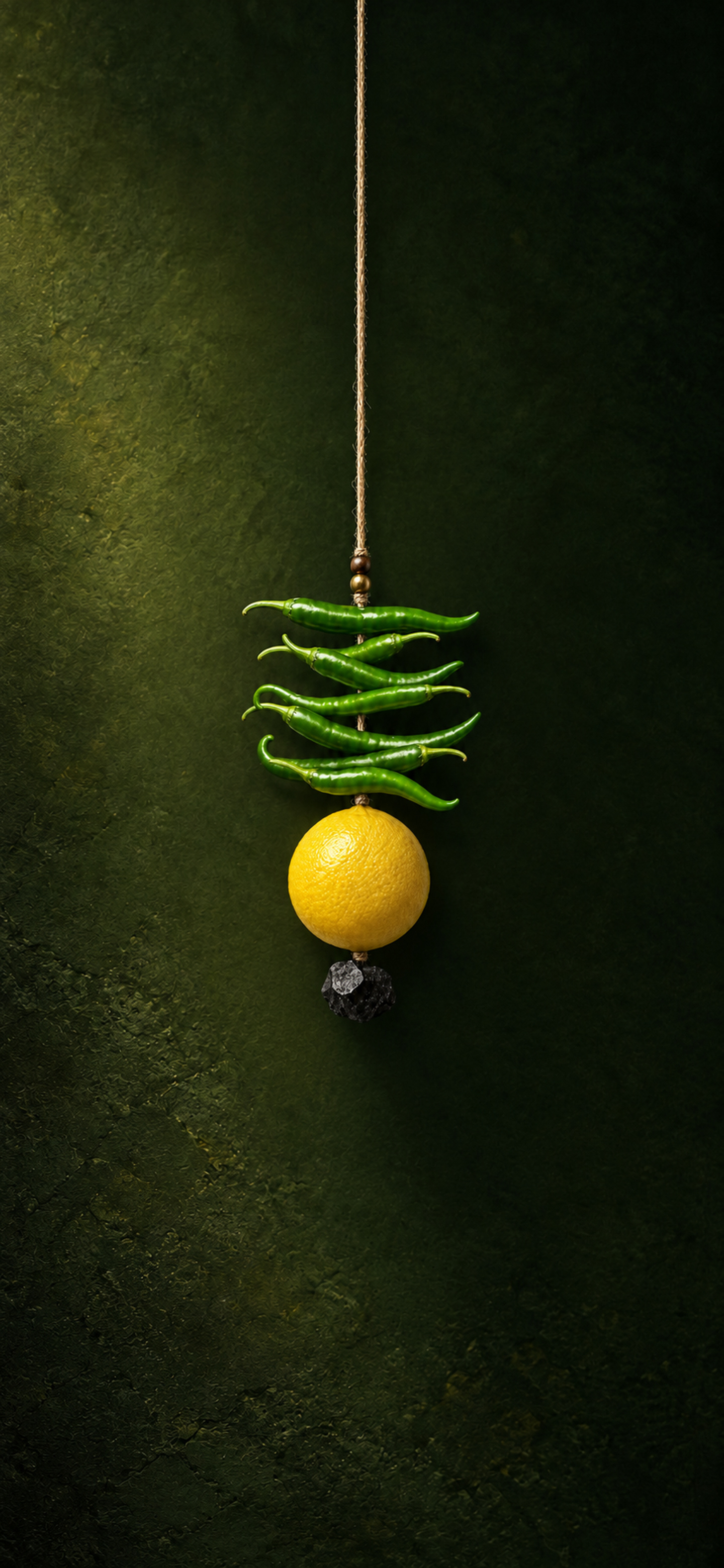
 View full size
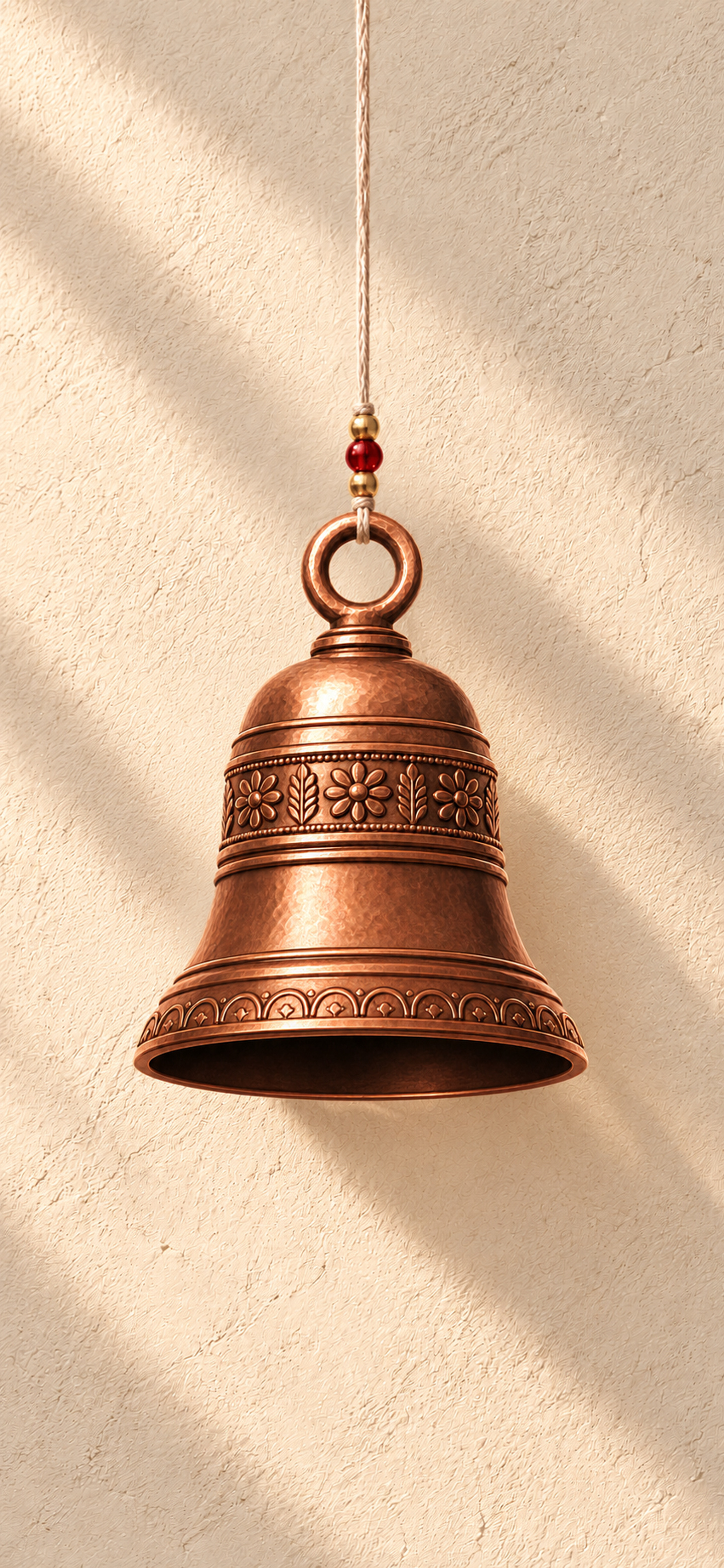
 Ghanta
Download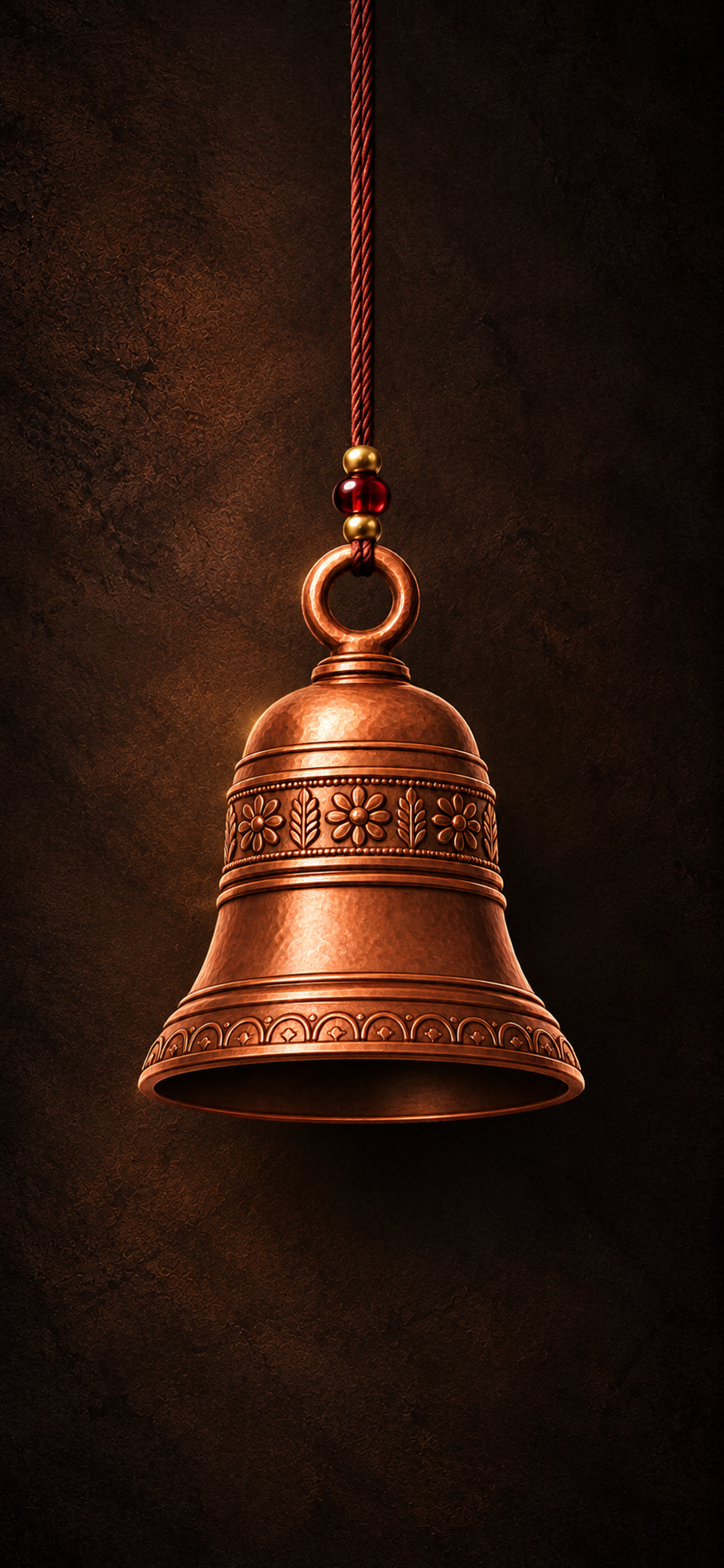
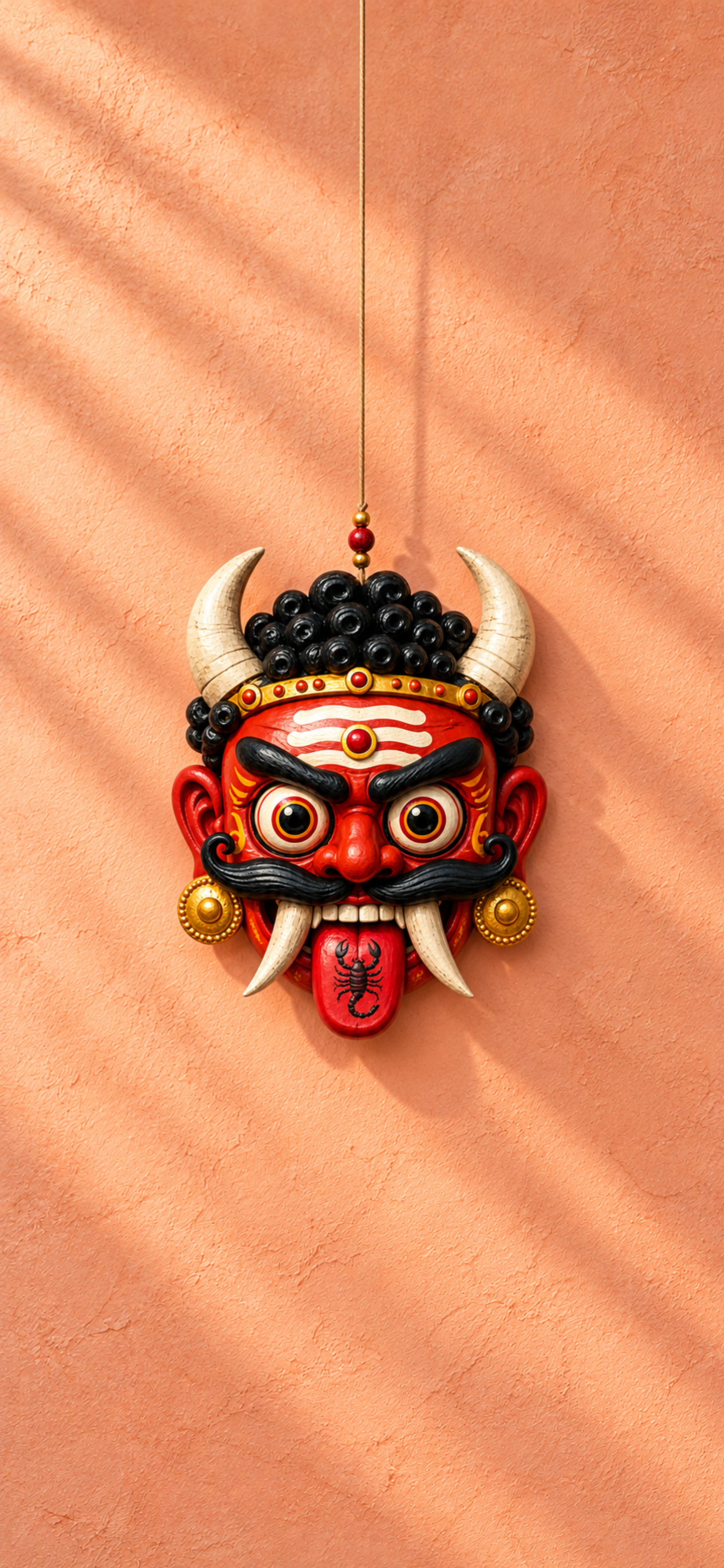 View full size
 Drishti bommai
Download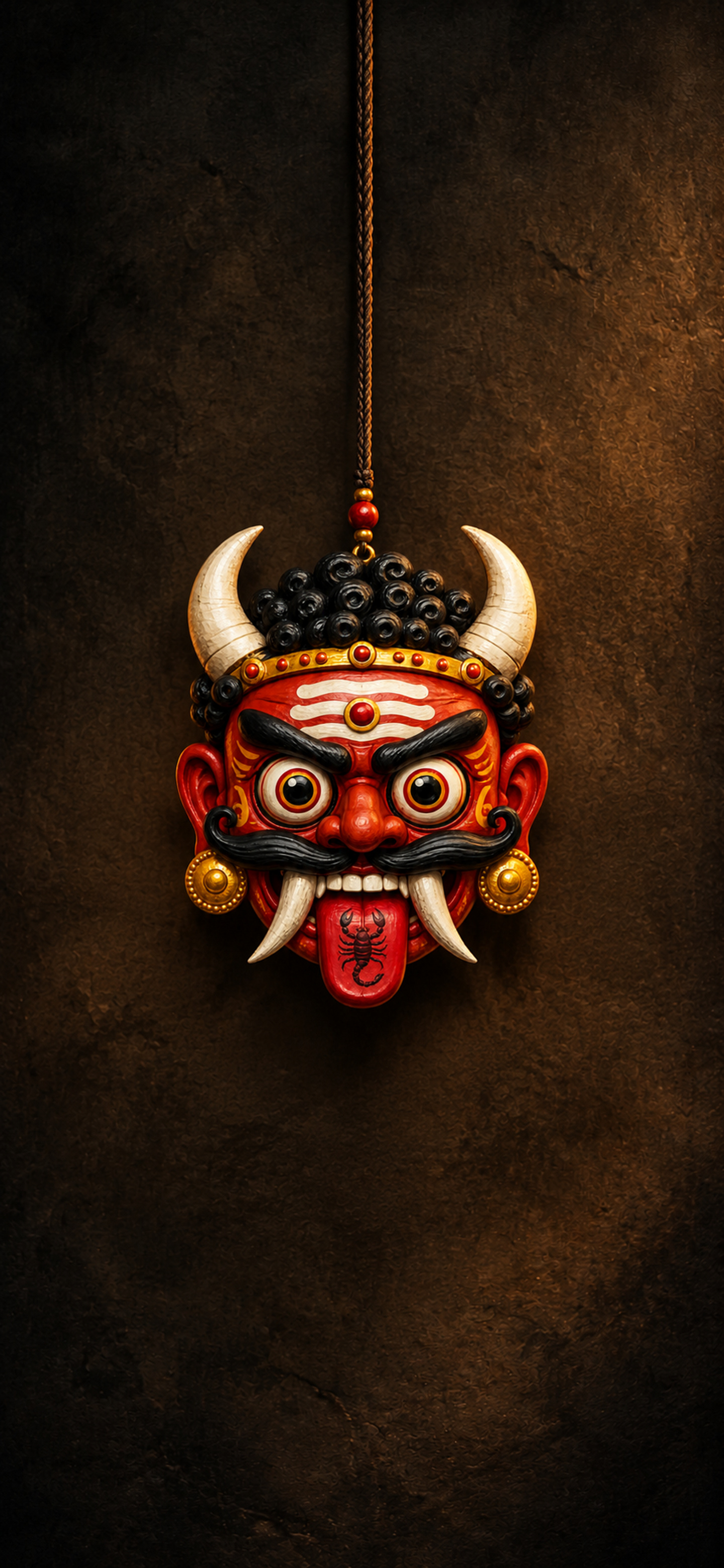
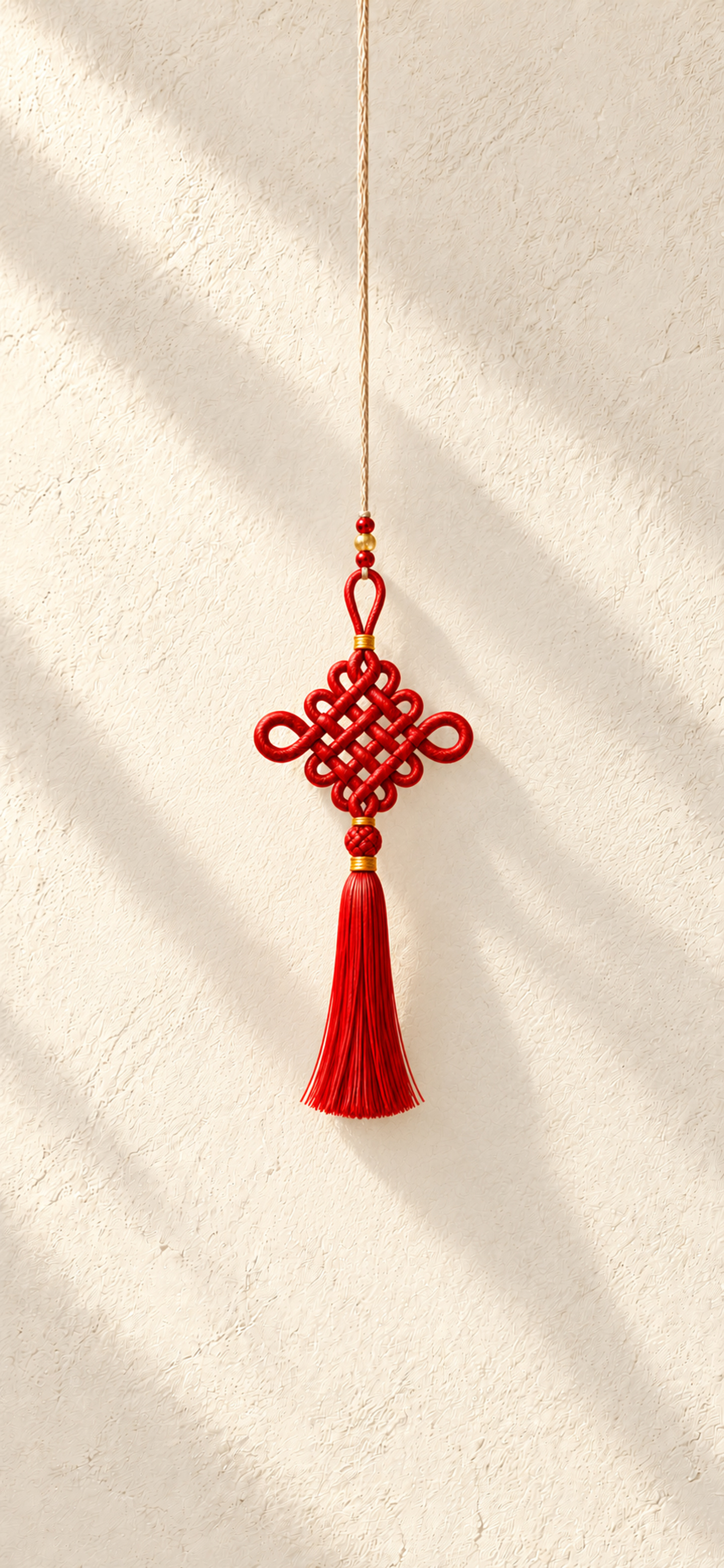 View full size
 Páncháng jié
Download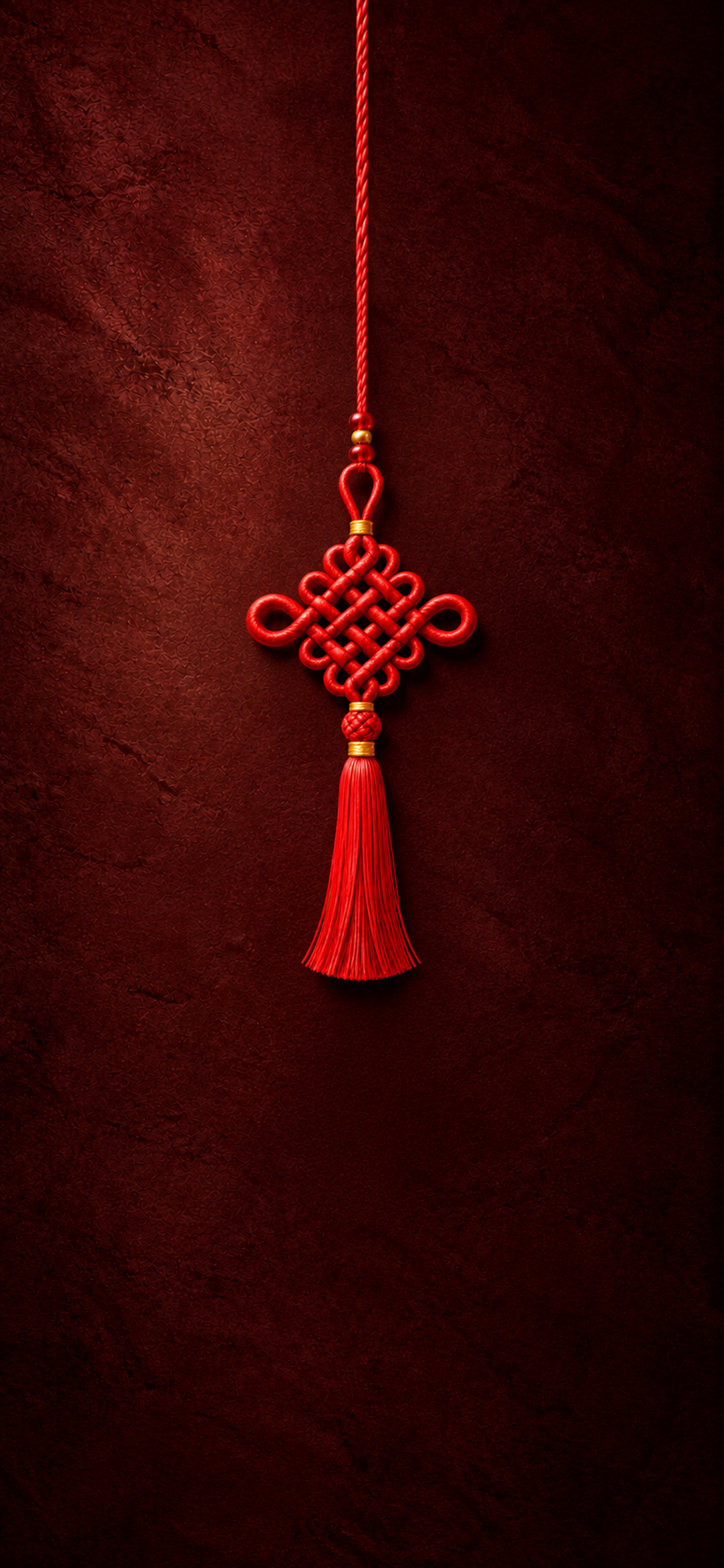
 View full size
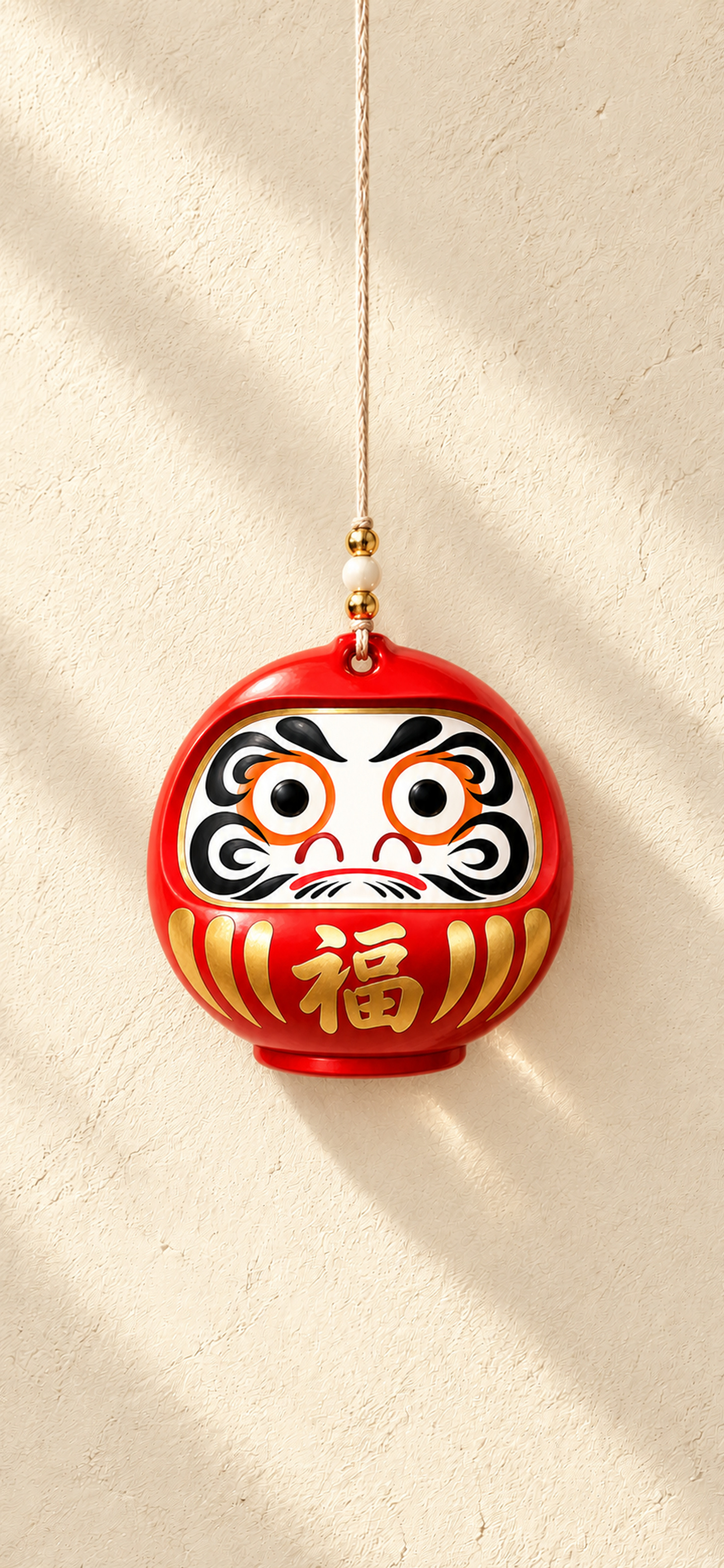
 Daruma
Download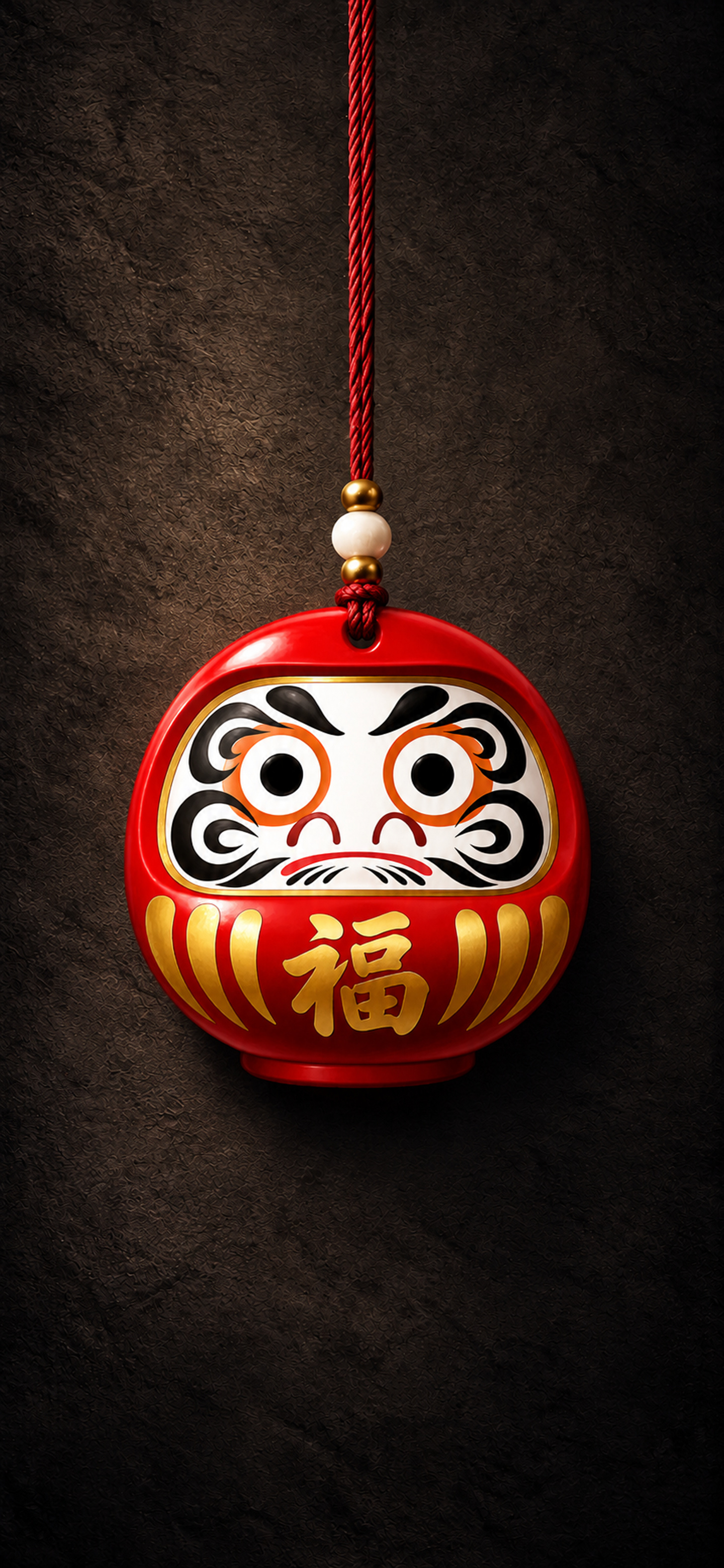
 View full size
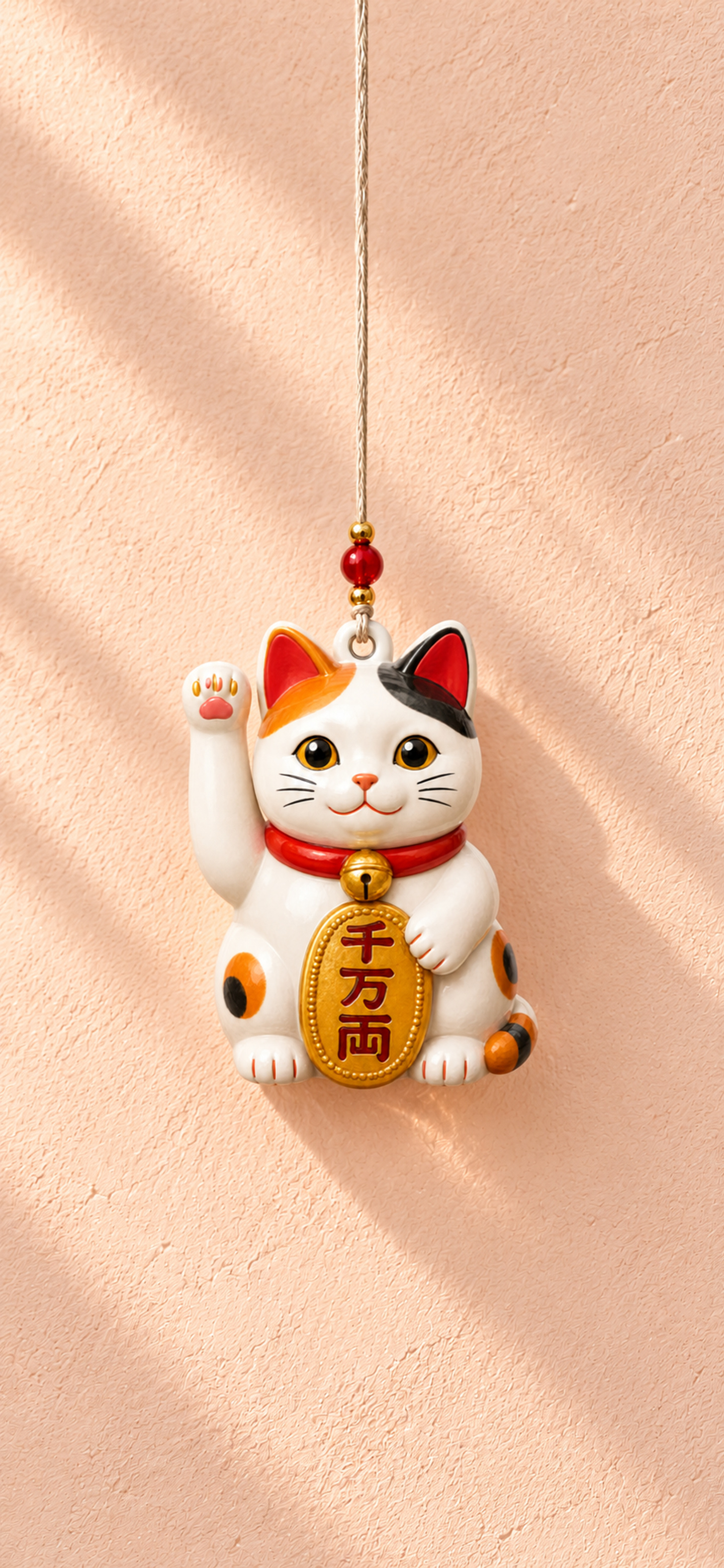
 Maneki-neko
Download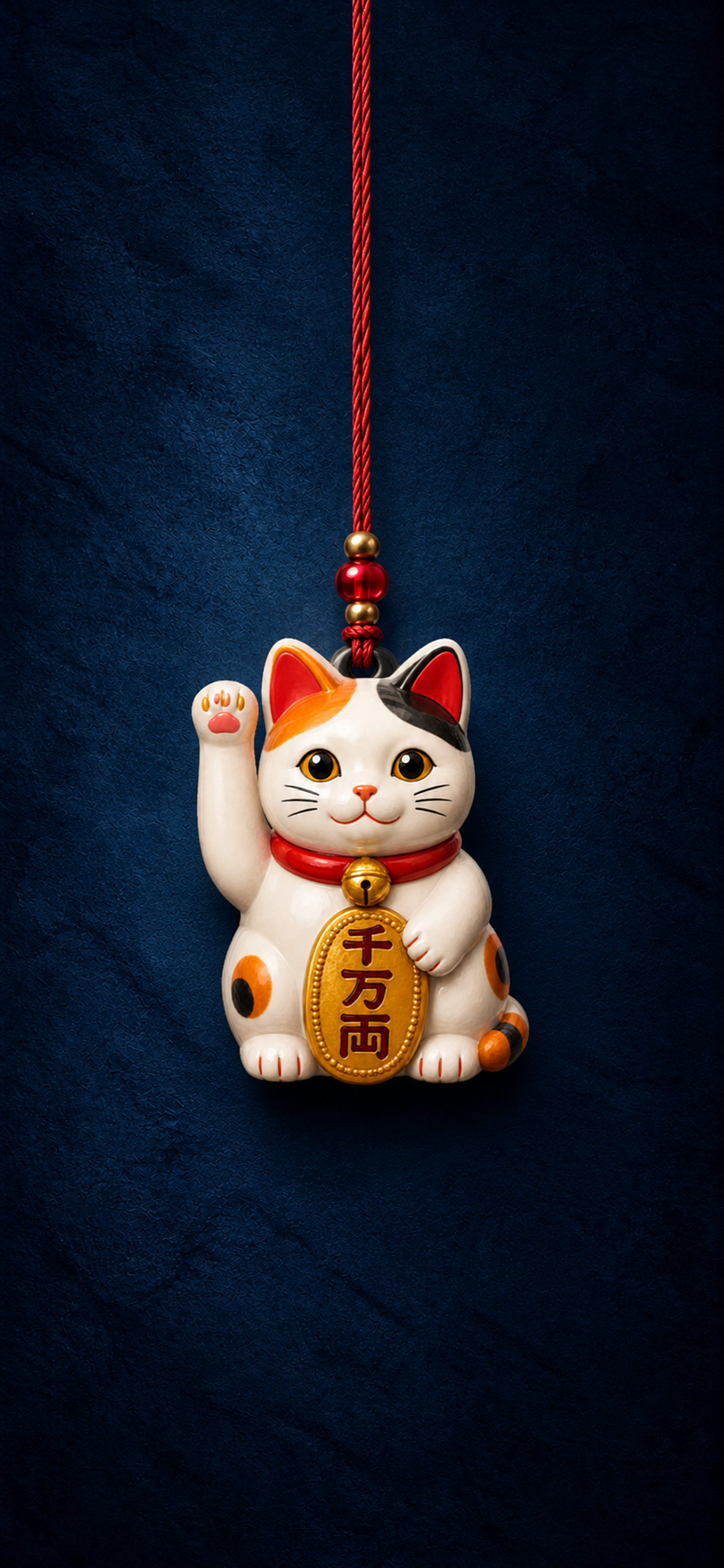
 View full size
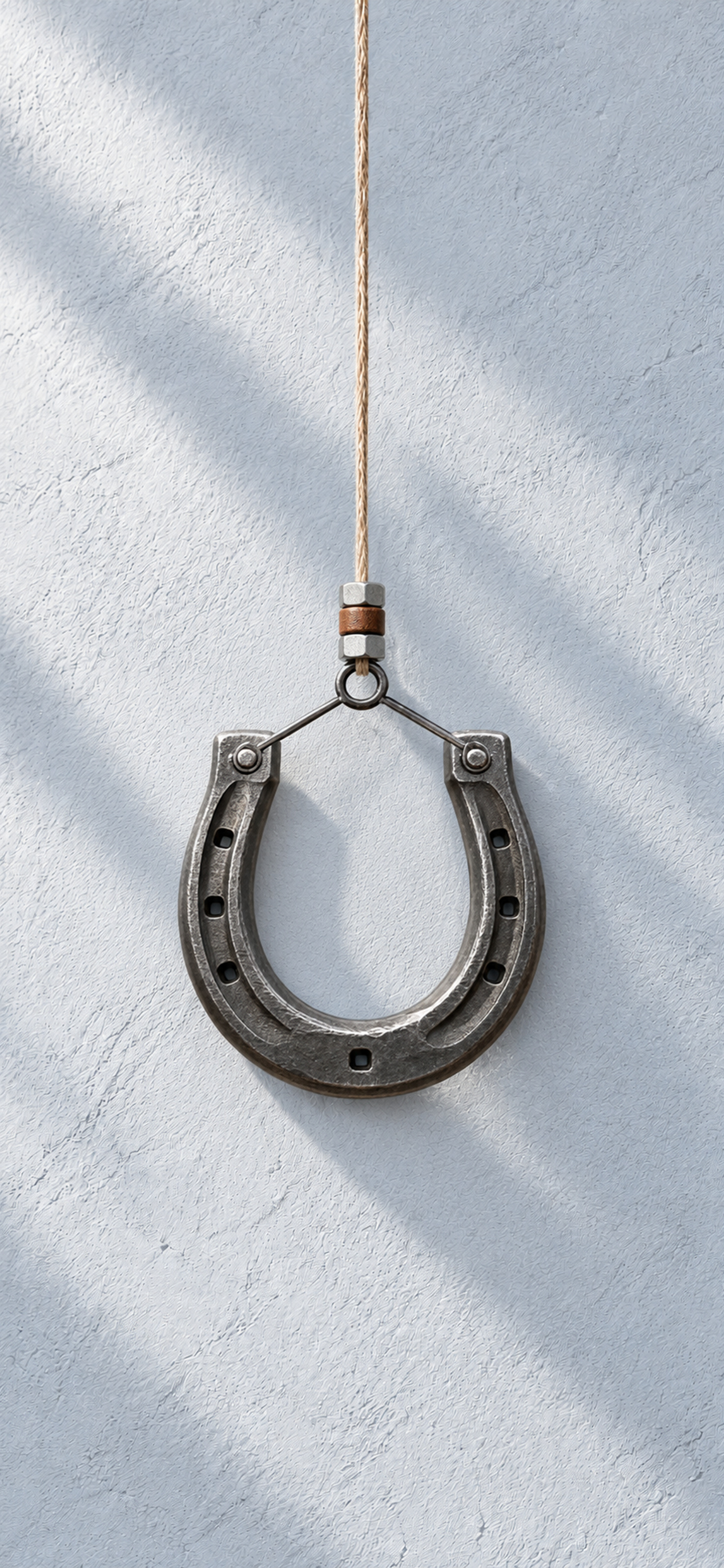
 Horseshoe
Download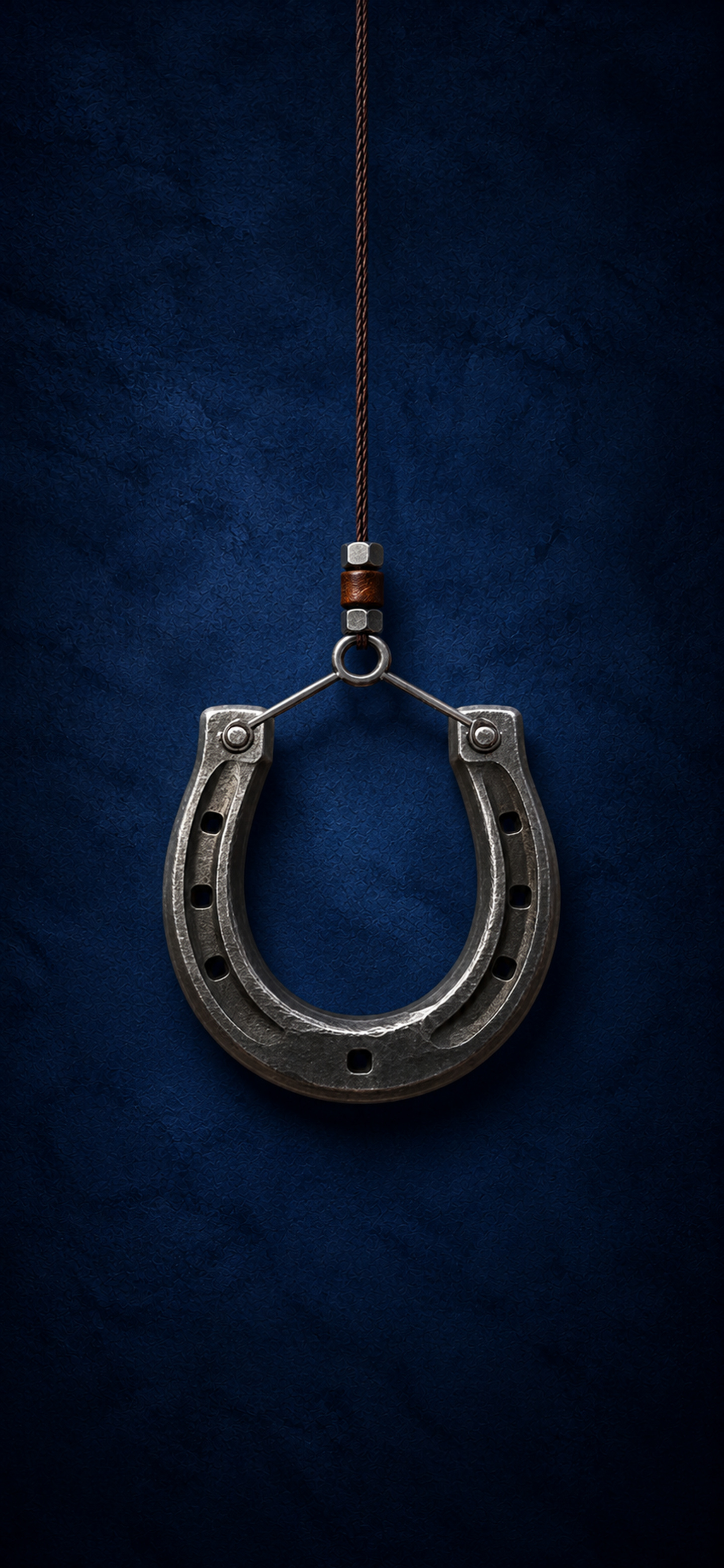
 View full size
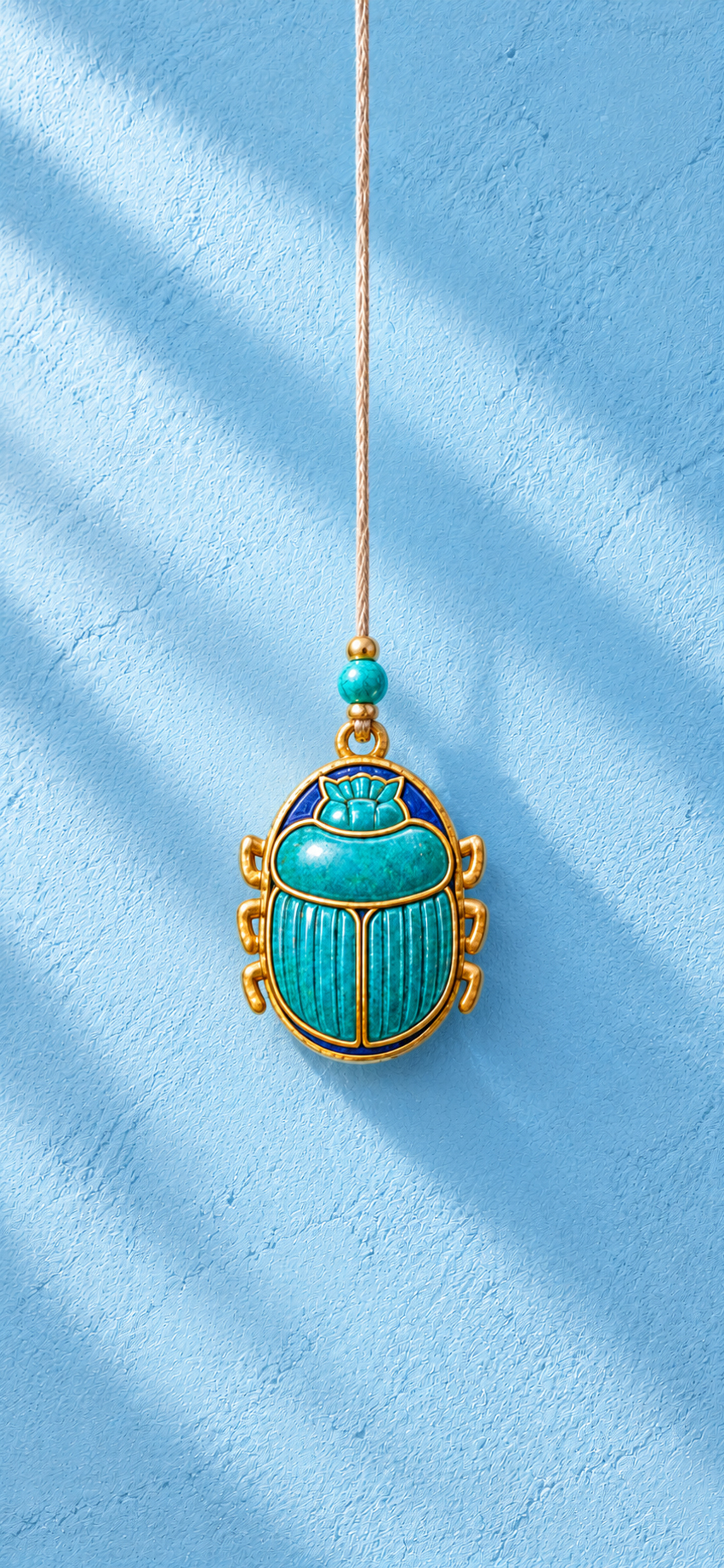
 Scarab
Download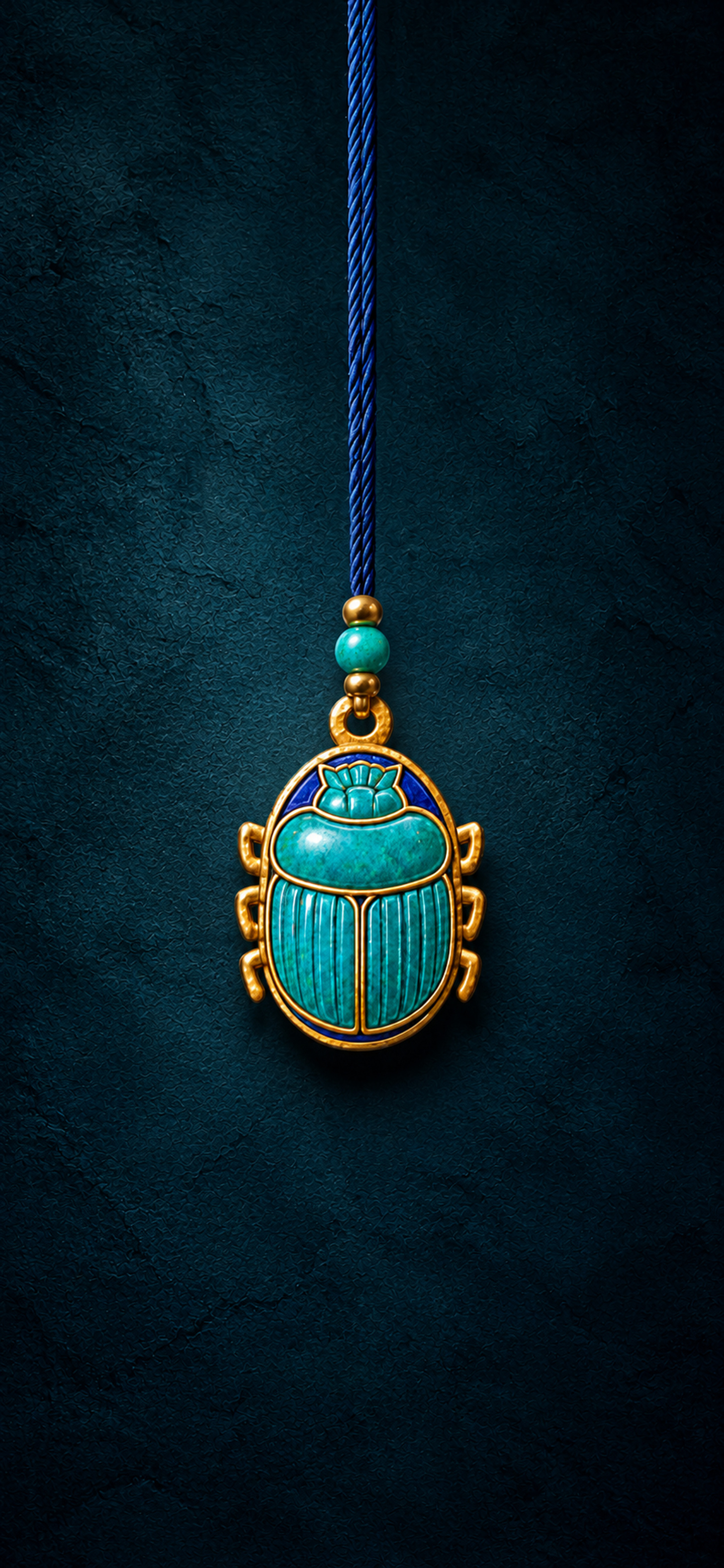
 View full size
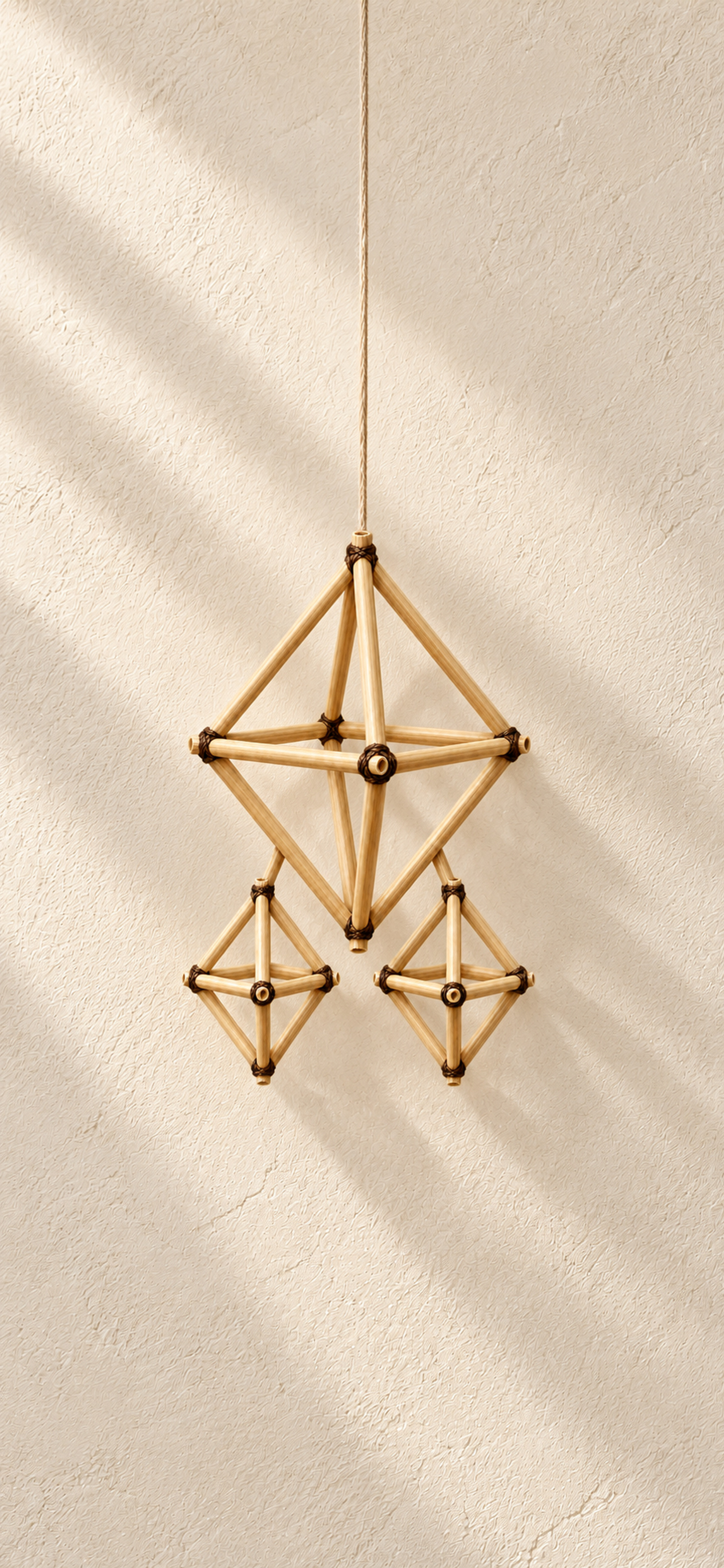
 Himmeli
Download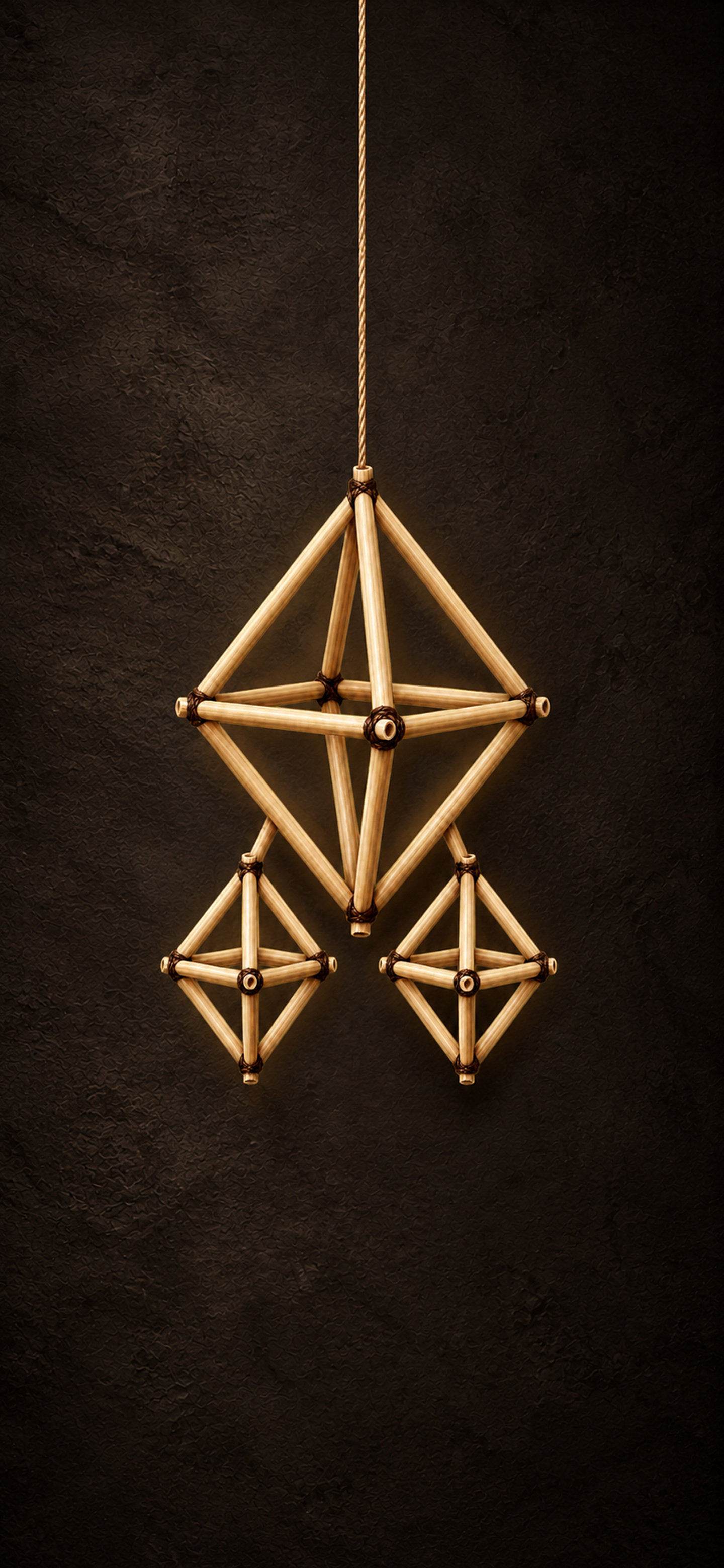
 View full size
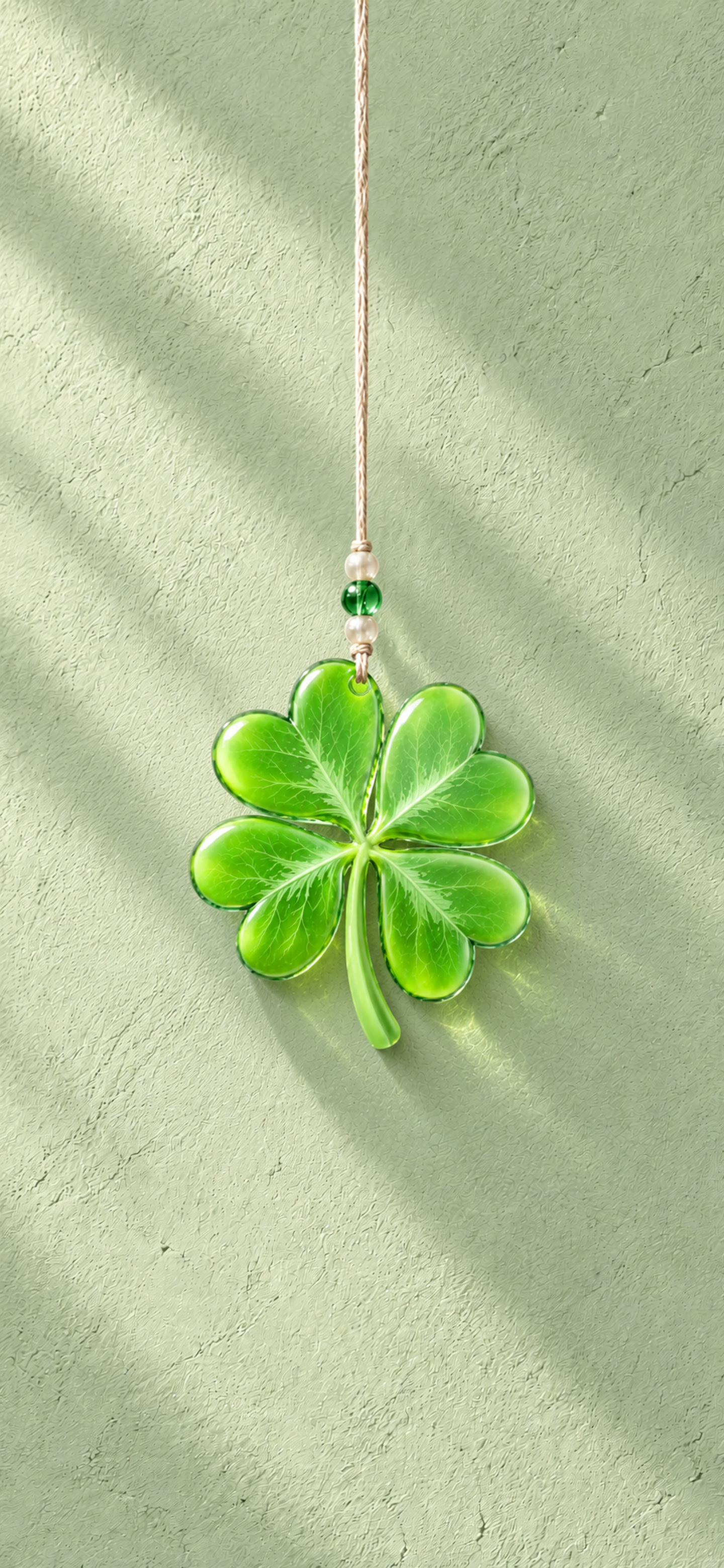
 Lucky clover
Download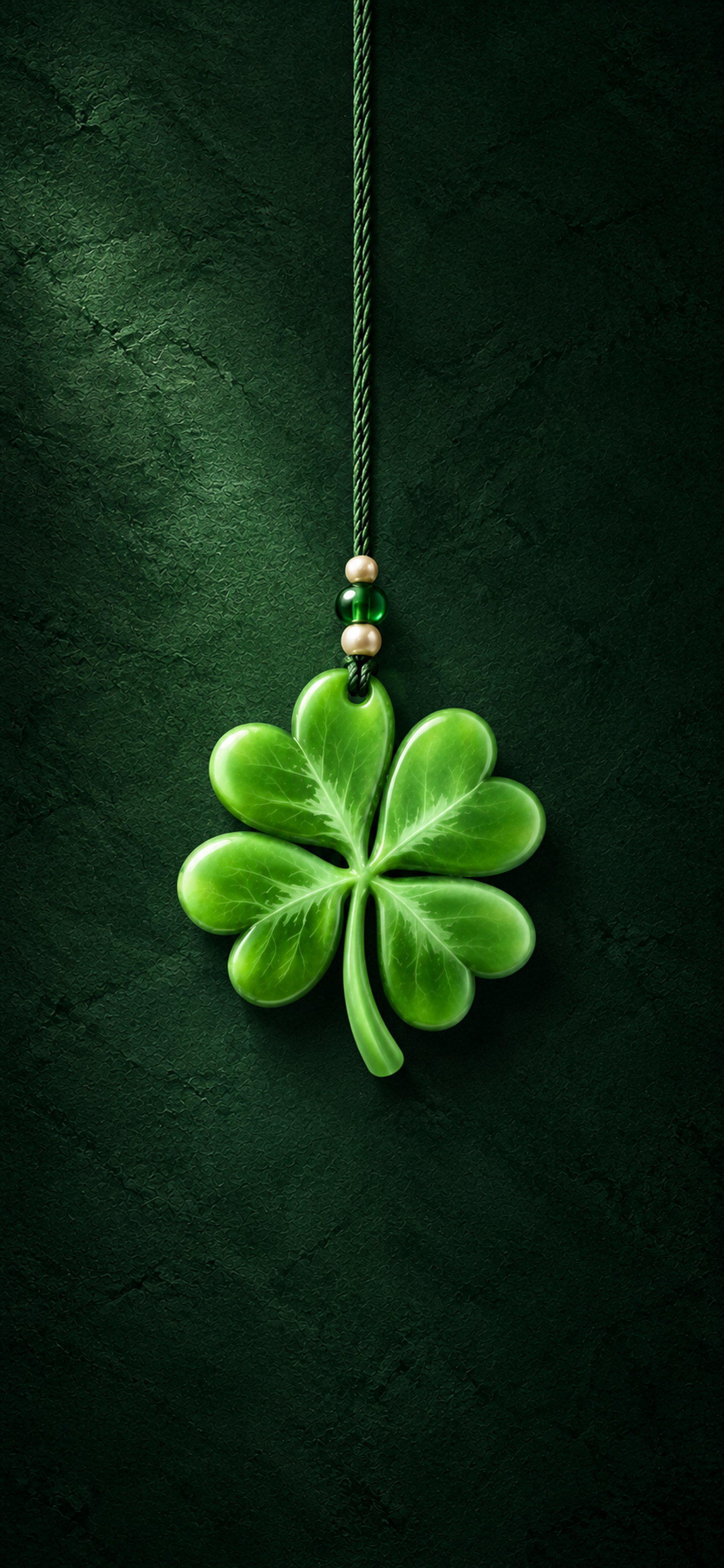
Make yourself
a little luckier.
These are still wallpapers, with a little room around each charm. Start zoomed out, then make it yours.
On iPhone
- Choose a wallpaper and tap Download. If the image opens in a new tab, touch and hold it, then choose Save to Photos. You can also use the Share menu.
- Open Settings, then Wallpaper → Add New Wallpaper → Photos.
- Pick your wallpaper, adjust its position and zoom, then tap Add.
If the JPEG went to Files, open it there and use Share → Save Image first.
On Android
Download the JPEG and open it in your phone’s Gallery or Photos app. Choose Set as wallpaper, then select your lock screen. The wording varies by phone.
Downloading the whole pack
Unzip the download to find separate Daylight and Night folders. There are twelve charms in each, plus preview sheets to help you choose.
Every wallpaper is a 1440 × 3120 JPEG. Daylight and Night are separate images you choose between.